
LaTeX to Google Docs: 2 Ways That Actually Work
Google Docs has no LaTeX import. Use the equation editor shortcuts or the Auto-LaTeX add-on to turn your code into real equations, with screenshots.
Google Docs has no LaTeX import. Use the equation editor shortcuts or the Auto-LaTeX add-on to turn your code into real equations, with screenshots.

Add audio to Google Slides the right way: upload the MP3 or WAV to Drive, use Insert > Audio, then set playback, loop and hide icon. Real screenshots.
Convert DOCX to Google Docs three ways: open in Drive, Save as Google Docs, or automatic conversion. Real screenshots of every step.
Learn how to make a slideshow in Canva using the free plan. We cover templates, transitions, and presenting, with real screenshots of every step.

The best affiliate programs for beginners in 2026: real approval requirements, commission rates, and which ones actually pay new creators without a massive audience.
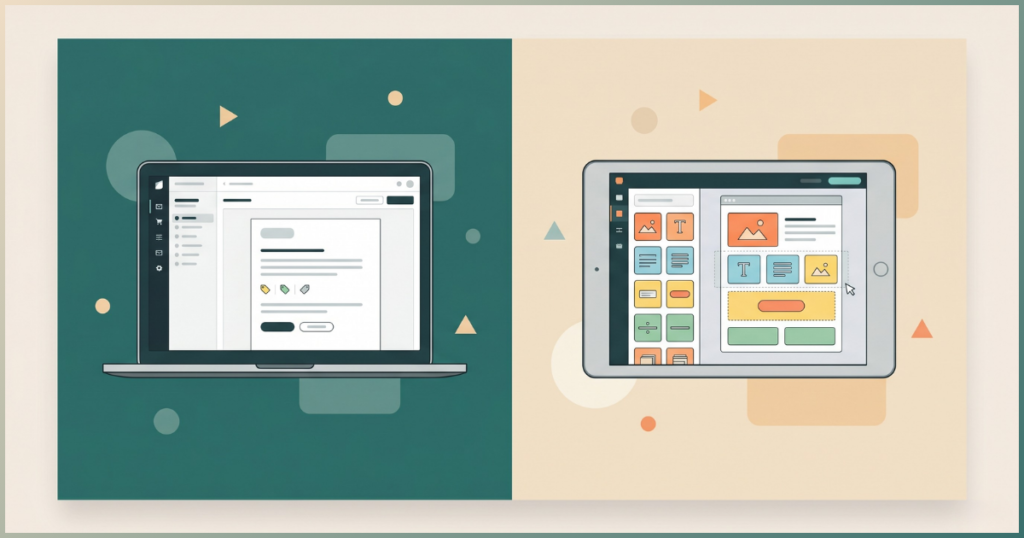
ConvertKit vs Mailchimp compared: free plans, pricing, and automation side by side. Updated 2026 data to help you pick the right tool.
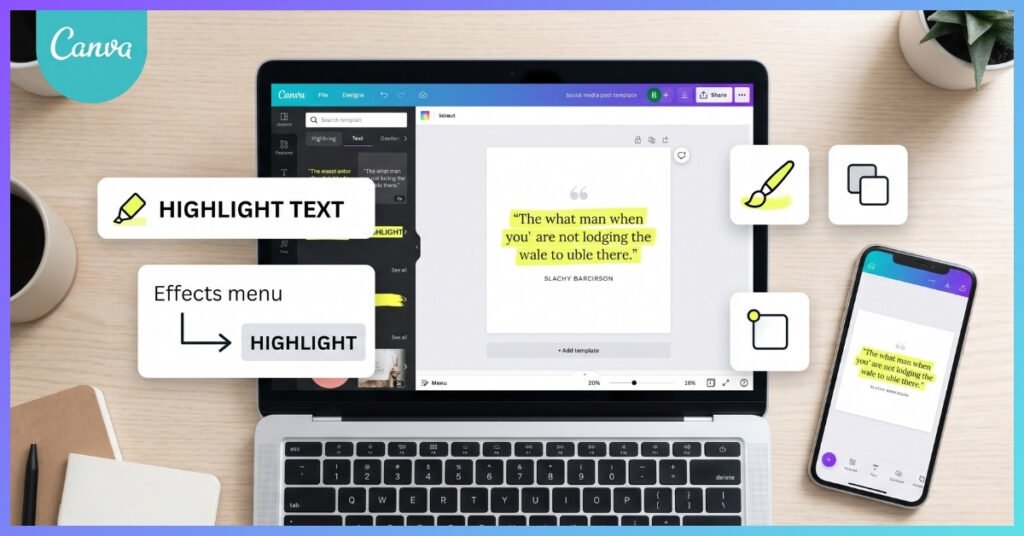
Learn how to highlight text in Canva using 4 easy methods , Background Effect, shapes, Draw tool, and Canva Docs. All work on the free plan. No Pro needed.
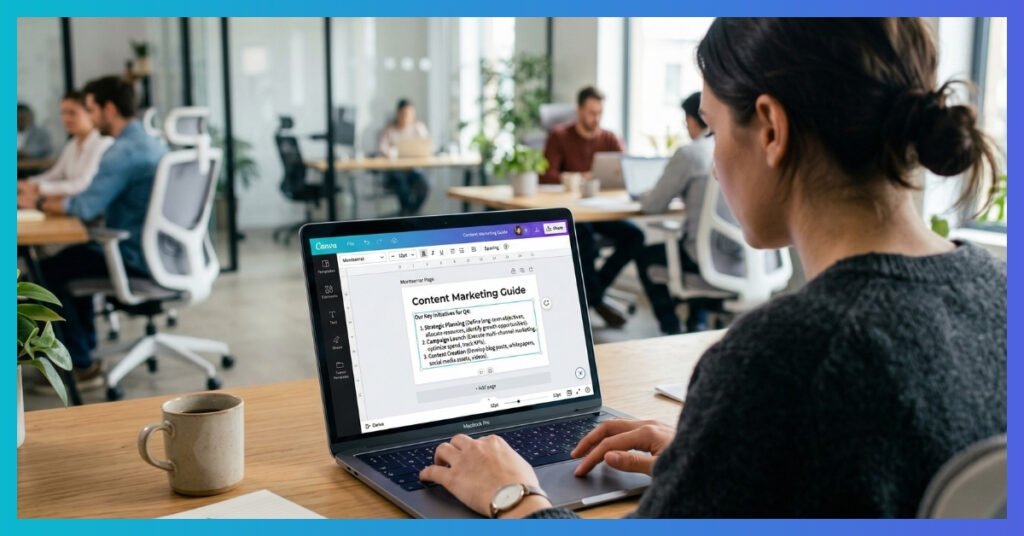
Master hanging indents on Canva for professional references and lists. Get the simple step-by-step guide, time-saving shortcuts, and learn how to prevent formatting breaks when exporting to Google Slides.

Convert Canva to Google Slides like a pro. Learn the best workflow, plus tips on hanging indents and SVG colors. Scale your presentations at Peaklly today!

Compare the Best No-Code Automation Tools in 2026. See why Make beats Zapier to help you scale on a budget. Check out our top 5 picks!